Hold the button.
Say the thing.
Done.

You're cooking, driving, or half-asleep, and you suddenly remember something important. By the time you've unlocked your phone and found the right app, it's gone. This app is for exactly that moment: hold the mic, say “call the dentist tomorrow at nine”, let go. Your phone writes it down and reminds you when it matters.

Pay onceNo adsNo accountWorks offline

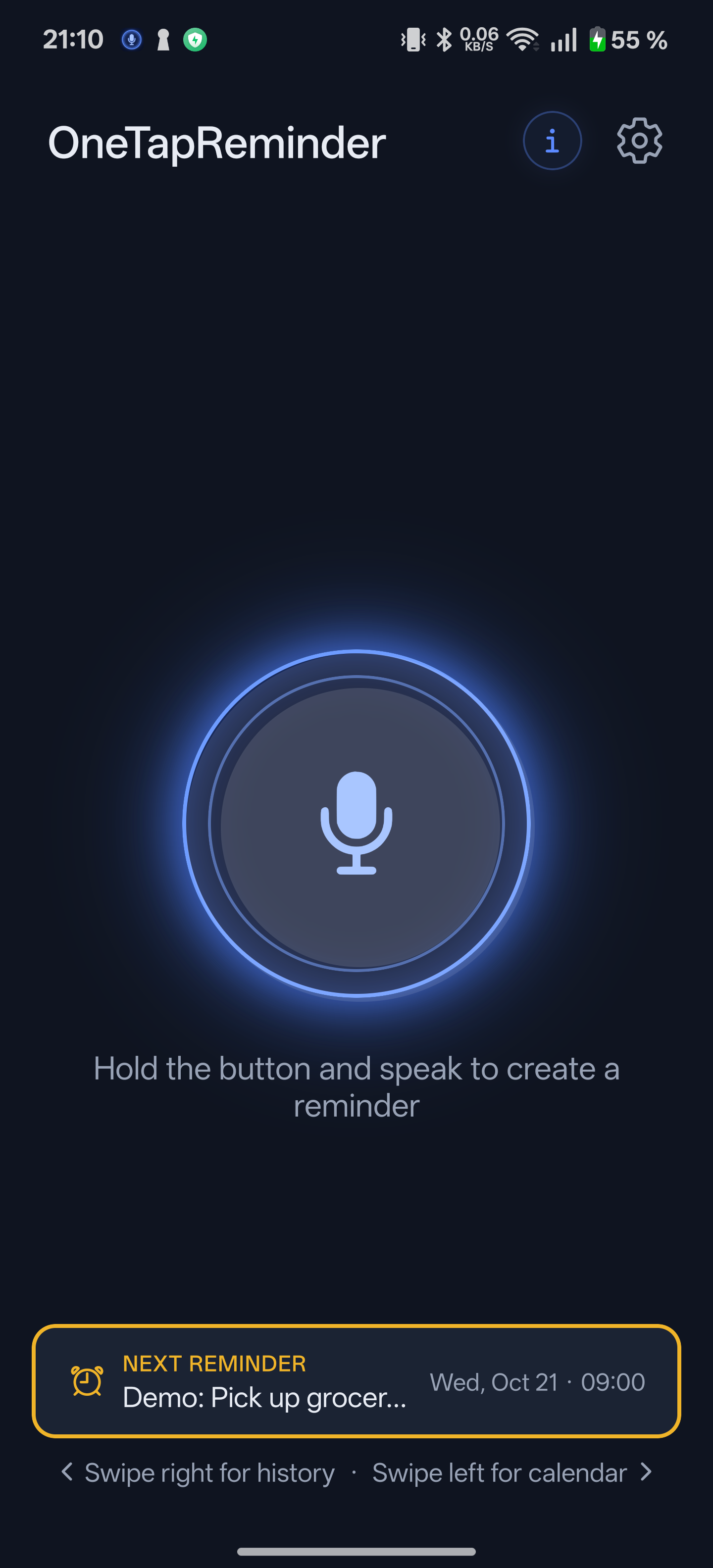
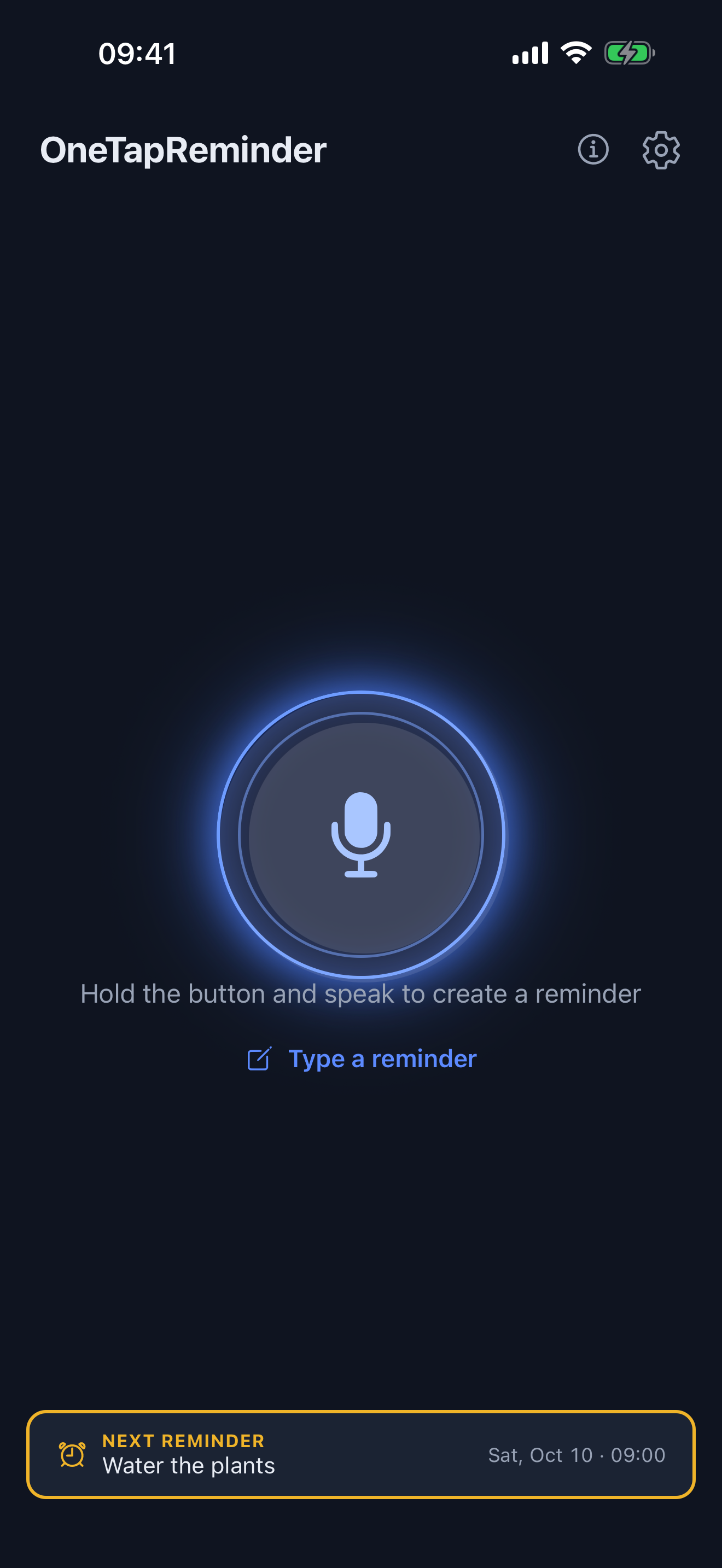
The OneTapReminder home screen: one large glowing mic button
How it works

Three seconds, start to finish

No new-event form, no typing on a moving bus. The whole flow is one gesture.

1

Hold and speak

Press the mic and say what you need to remember, in your own words. Release when you're done — or tap once to record hands-free.

2

Your phone writes it down

Whisper turns your voice into text right on the device. Nothing is uploaded, and it works with the internet off.

3

It pings you on time

Pick when, and you'll get a notification with your own words on it — or a Google Calendar event, if you turn sync on.

Demo

See a reminder happen

One minute, no narration tricks — this is the actual speed of the app.

A closer look

What you're actually getting

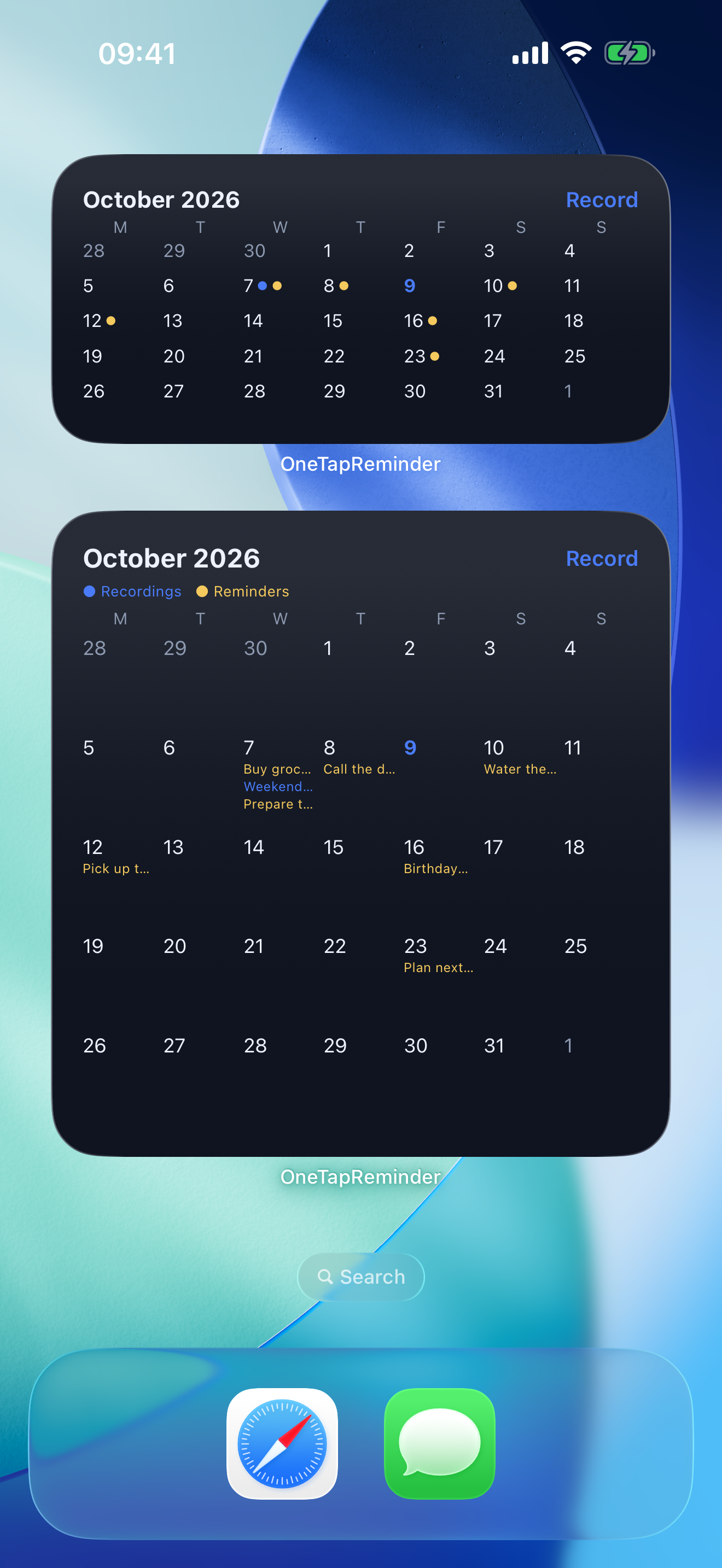
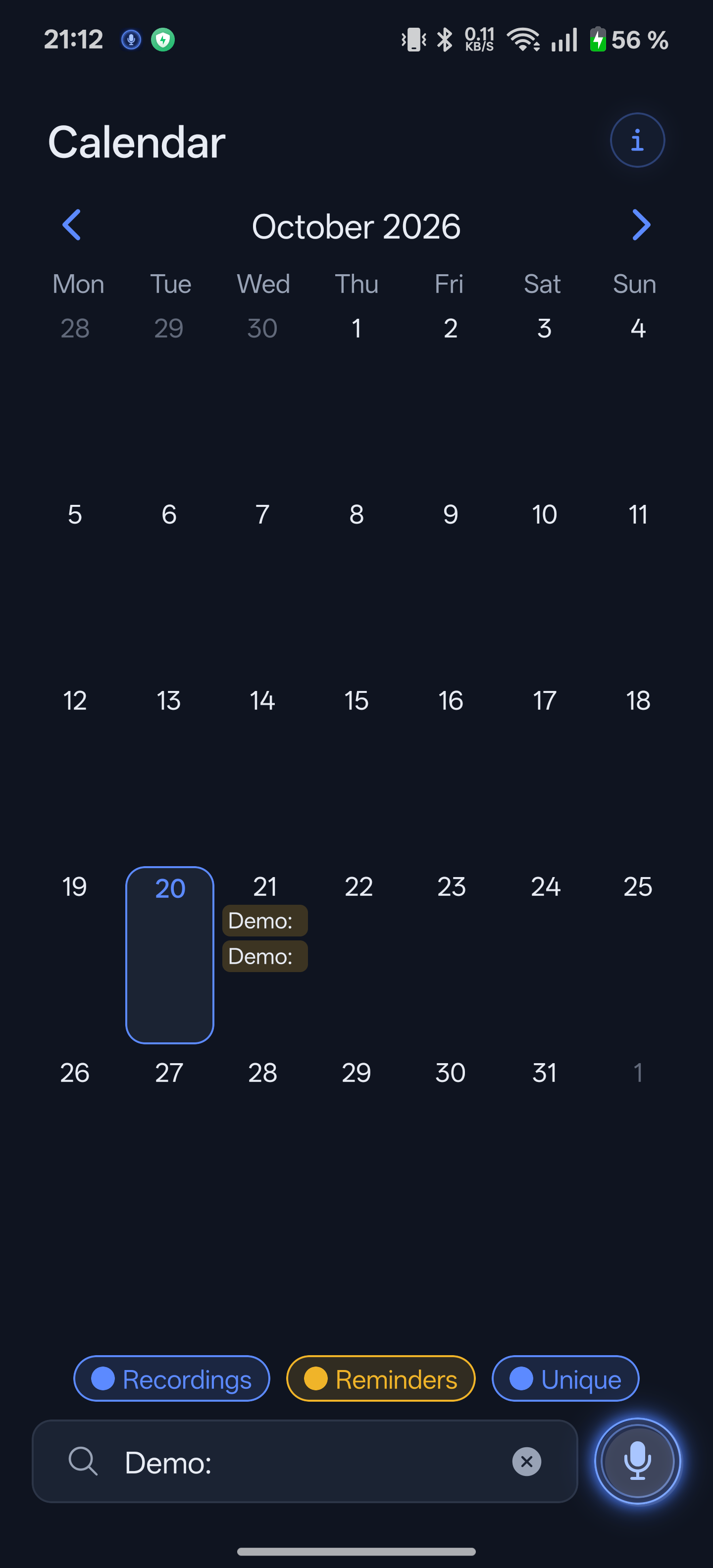
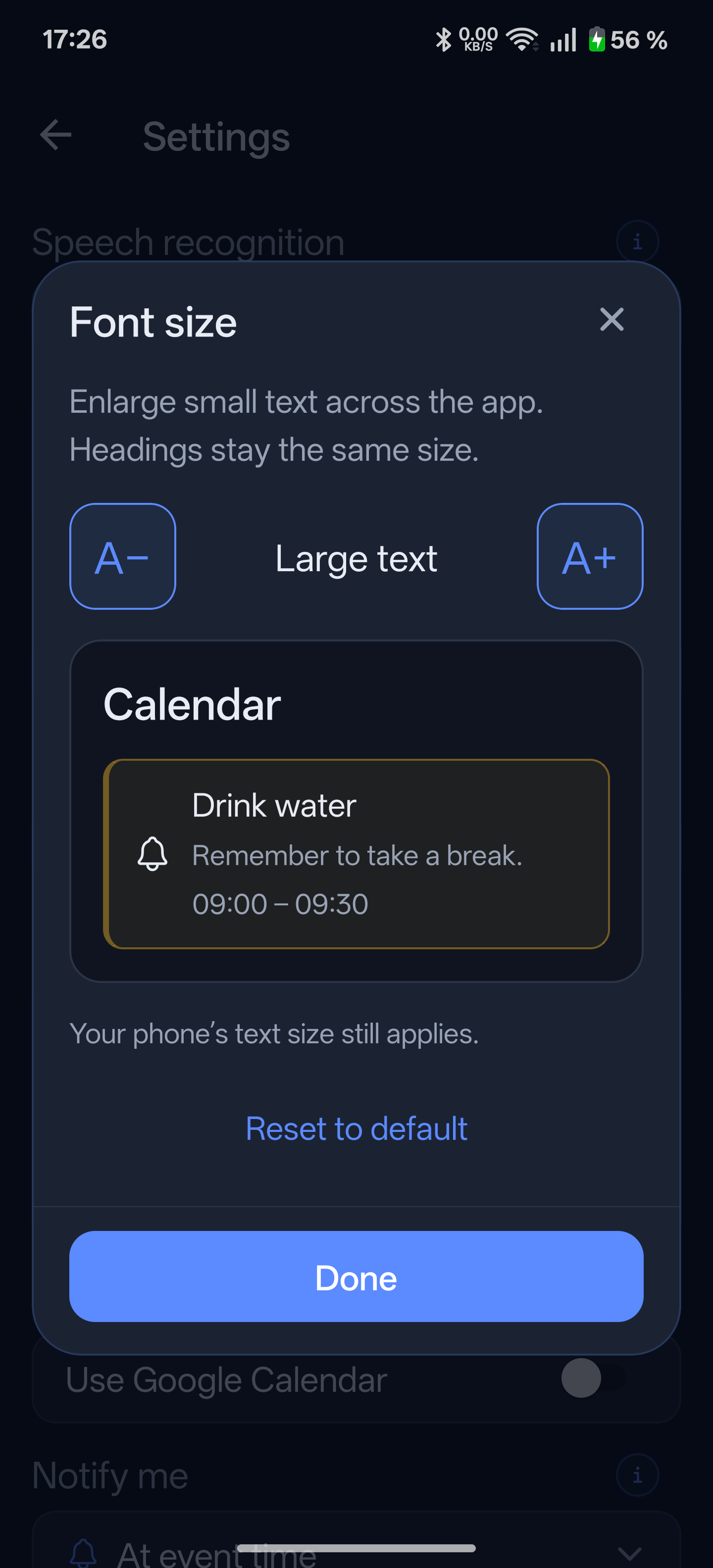
Blue is a recording, yellow is a reminder — the same two colors everywhere, from the history list to the home-screen widget.

Home screen with the mic button
The whole app in one screen: hold, speak, let go.
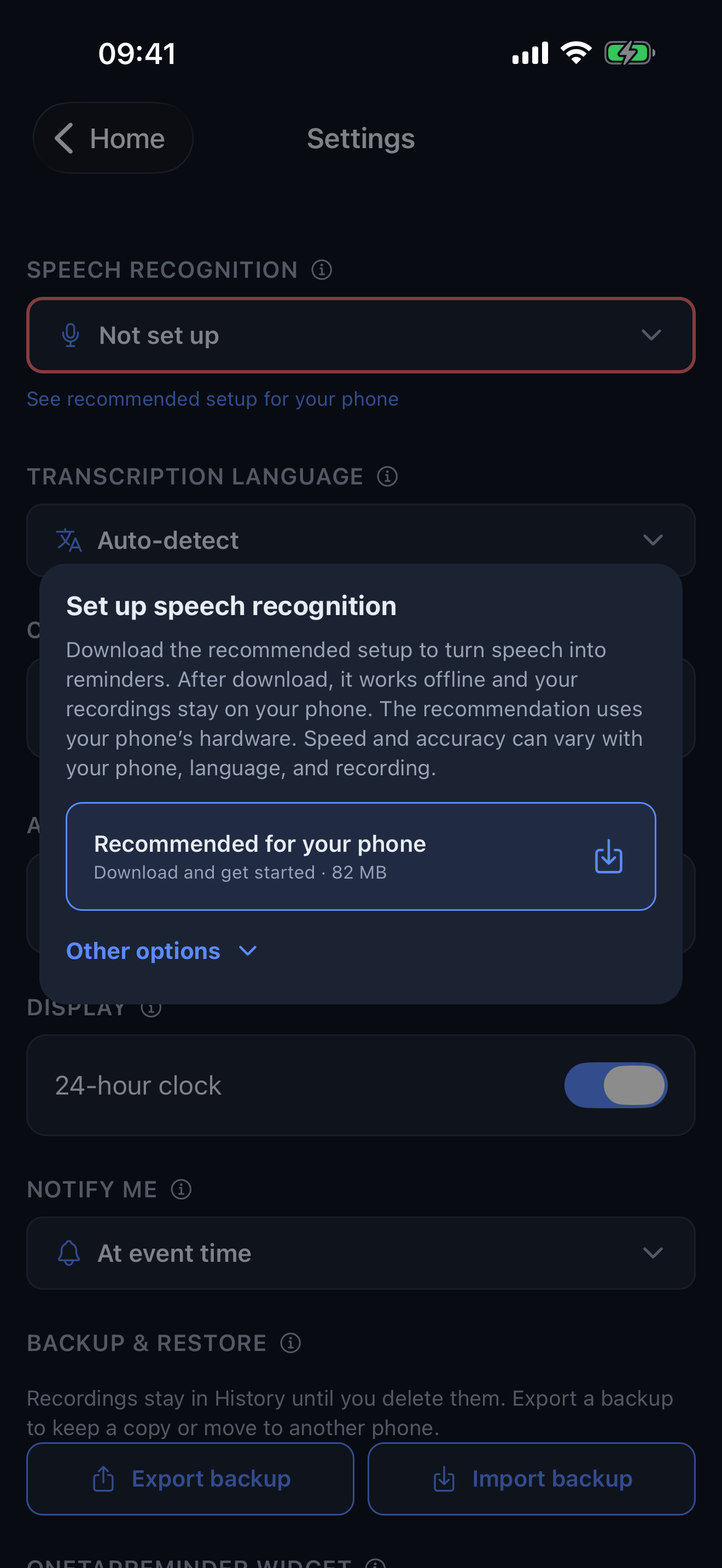
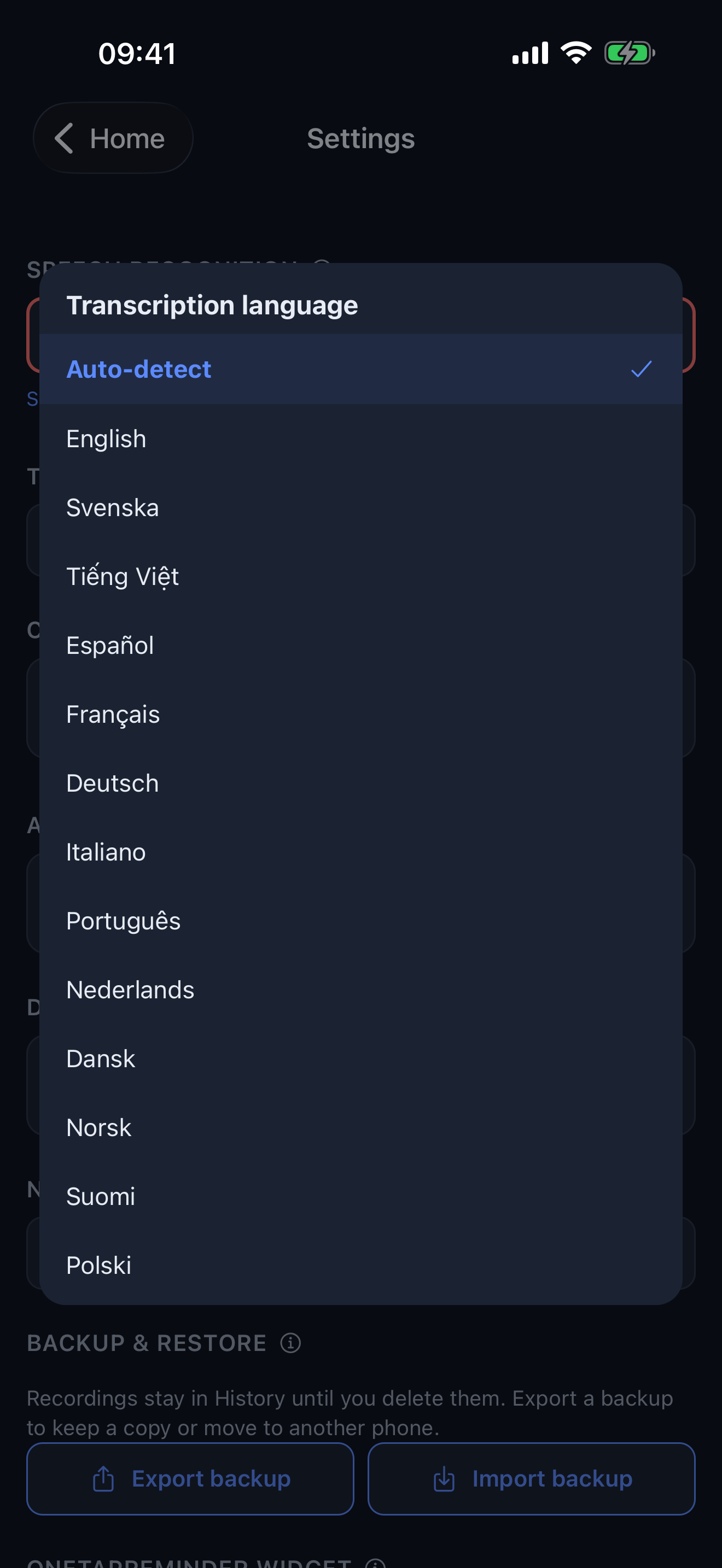
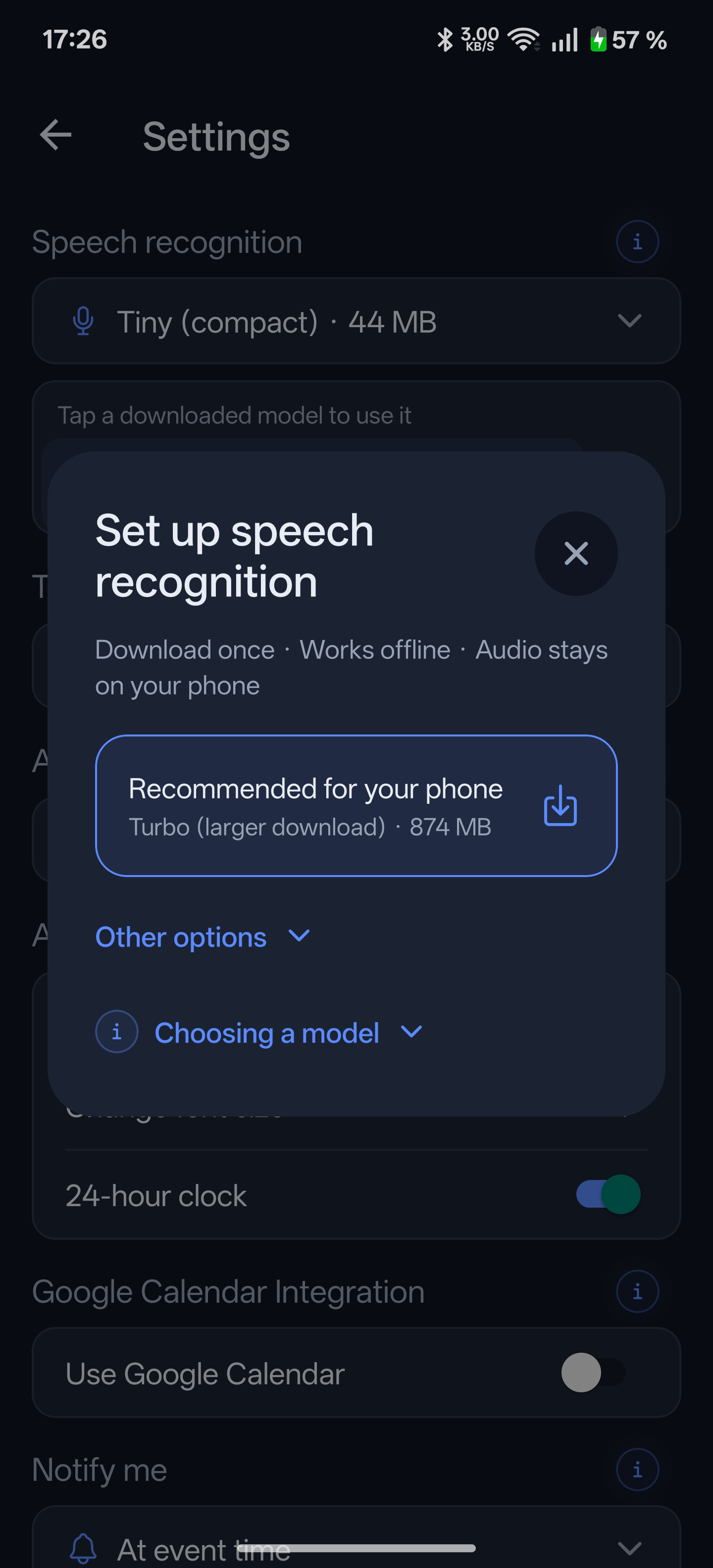
Whisper model download options in Settings
Pick a speech model once — from 75 MB and up. After the download, transcription runs entirely on your phone.
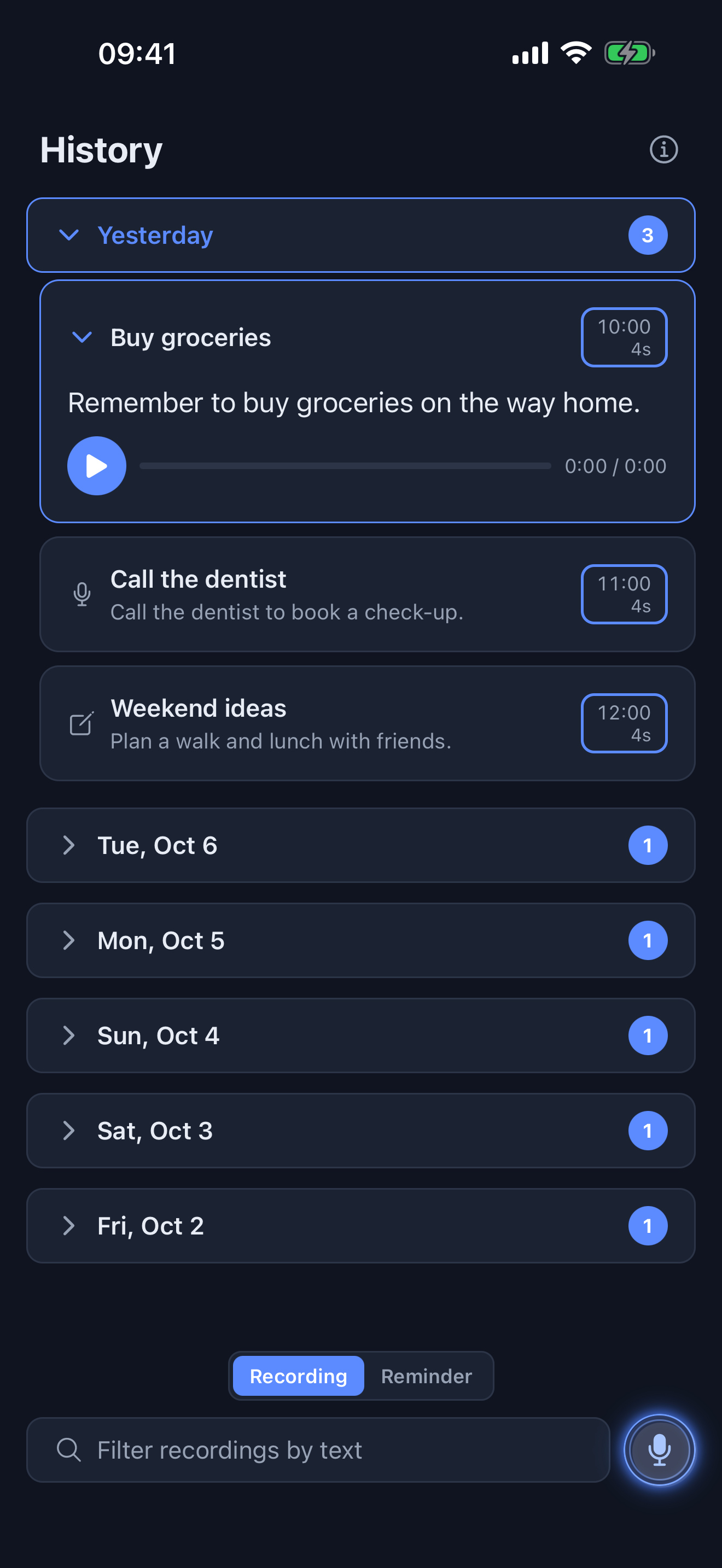
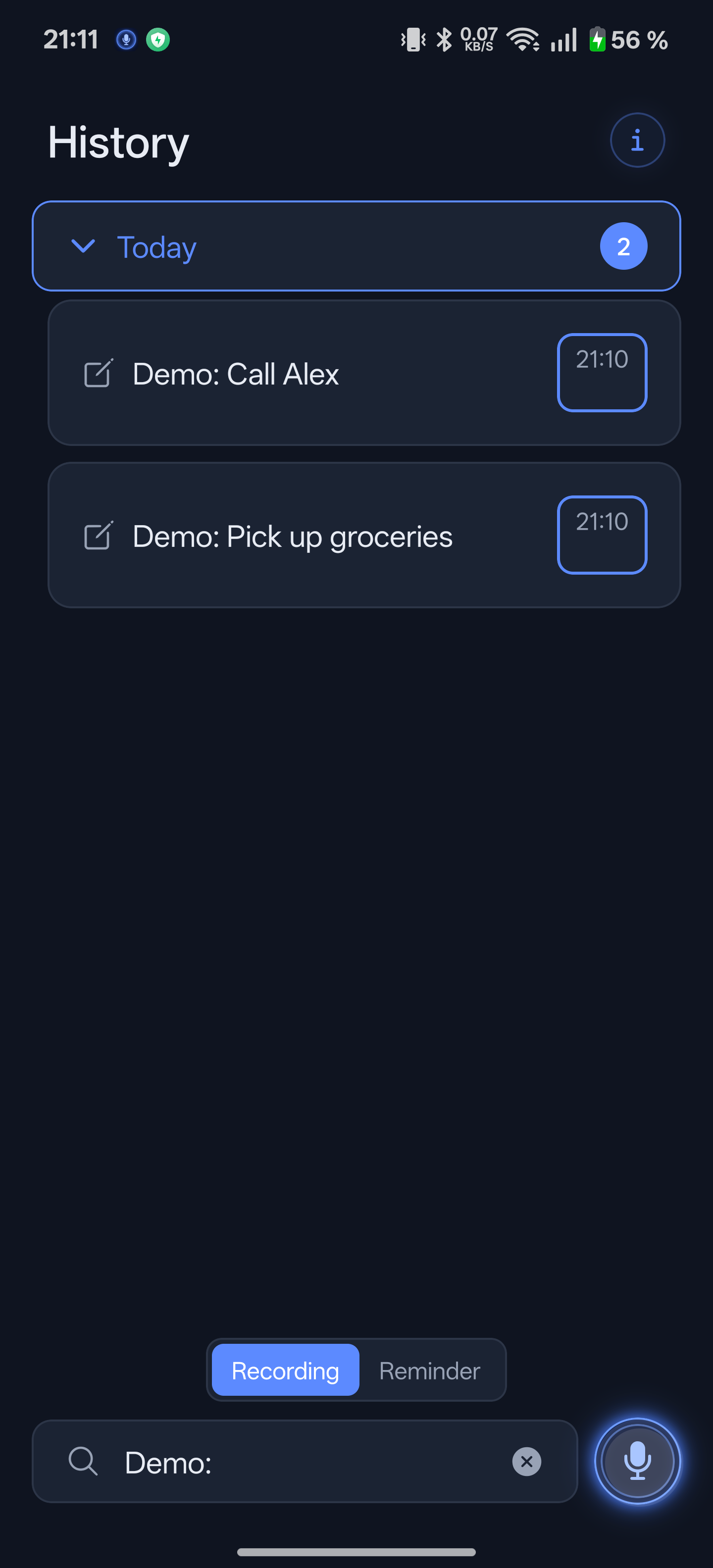
History list with word-by-word audio playback
Every reminder keeps its recording. Press play and the words light up as you listen.
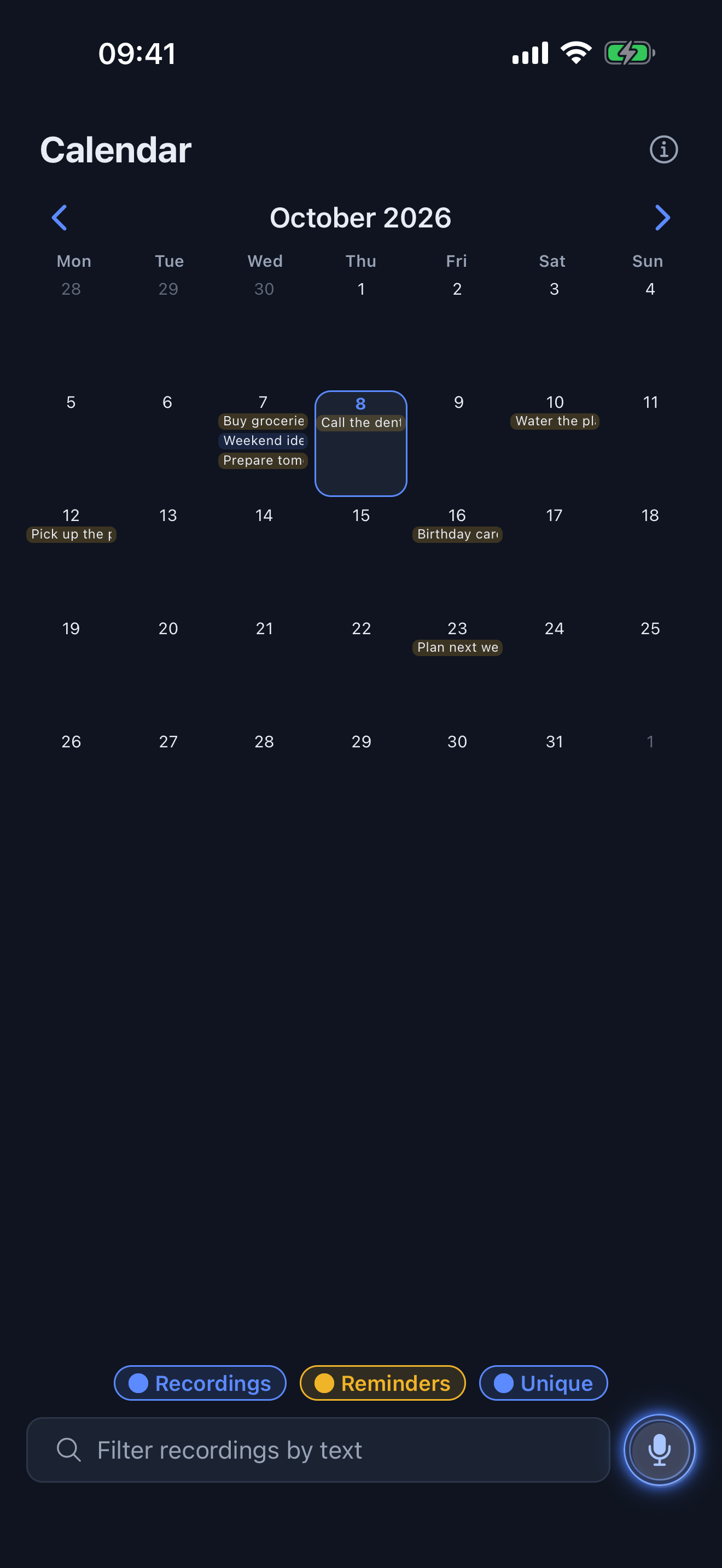
Month calendar with recording and reminder chips
Your month at a glance, with everything you've saved on it.
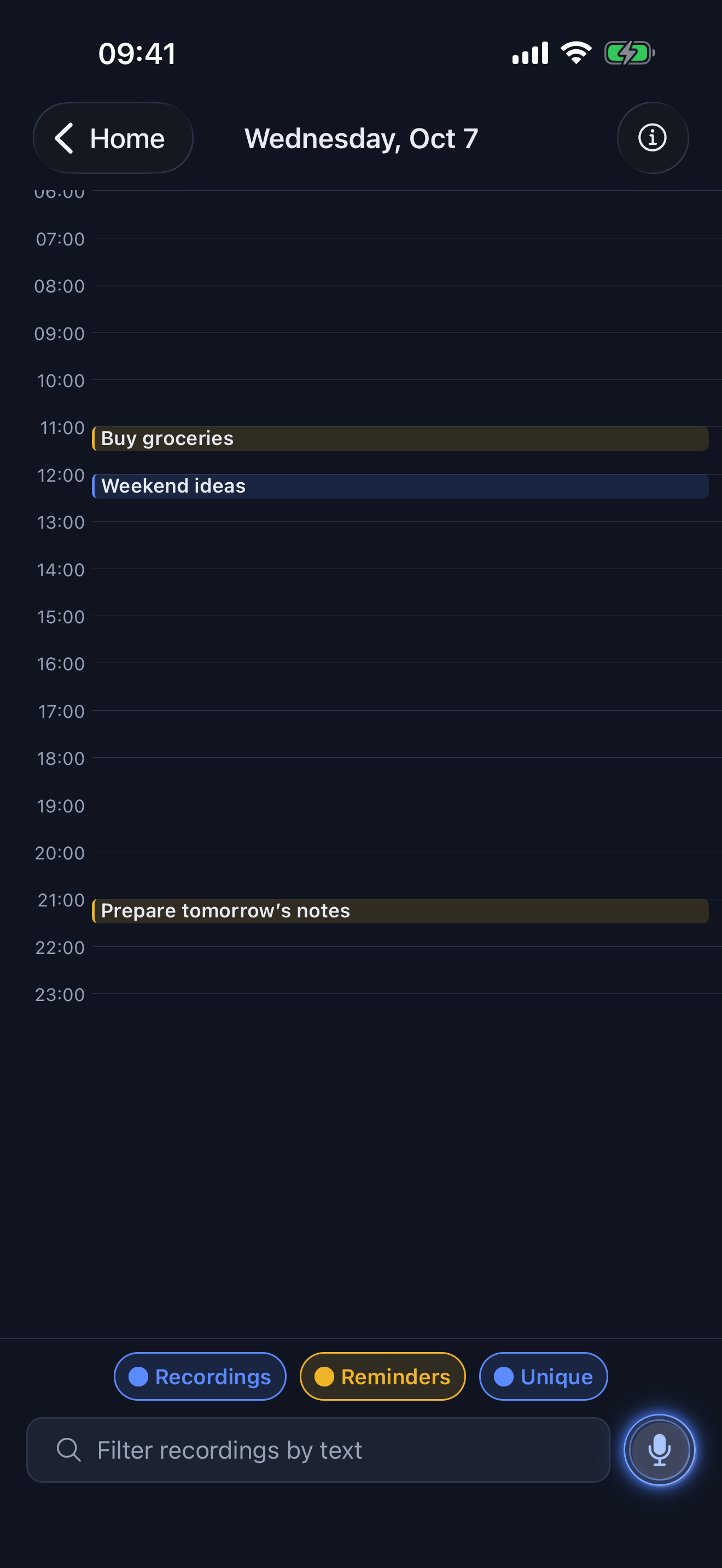
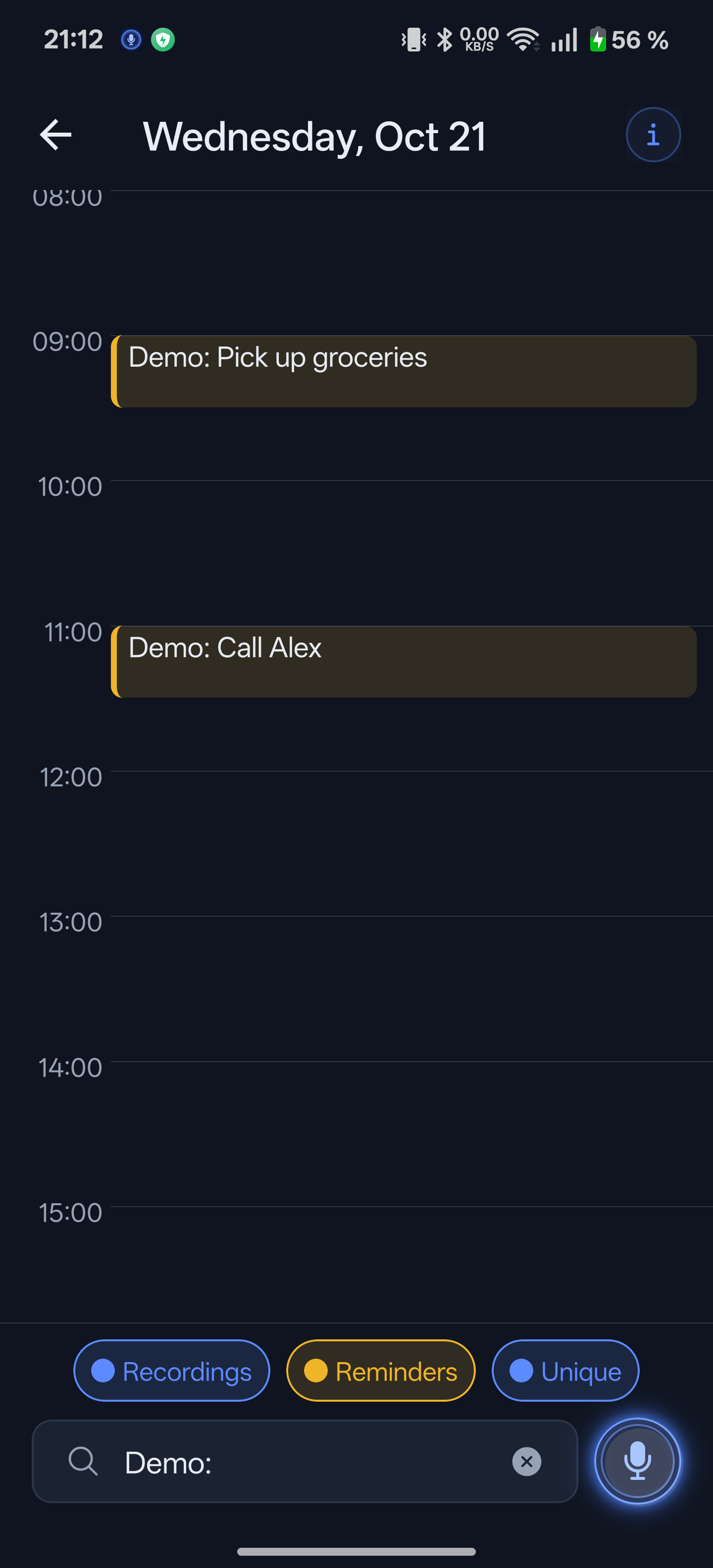
Day timeline view
Zoom into a day. Long-press an empty slot to schedule something right there.
Home-screen month widget
The same calendar as a home-screen widget — tap a day to open it.
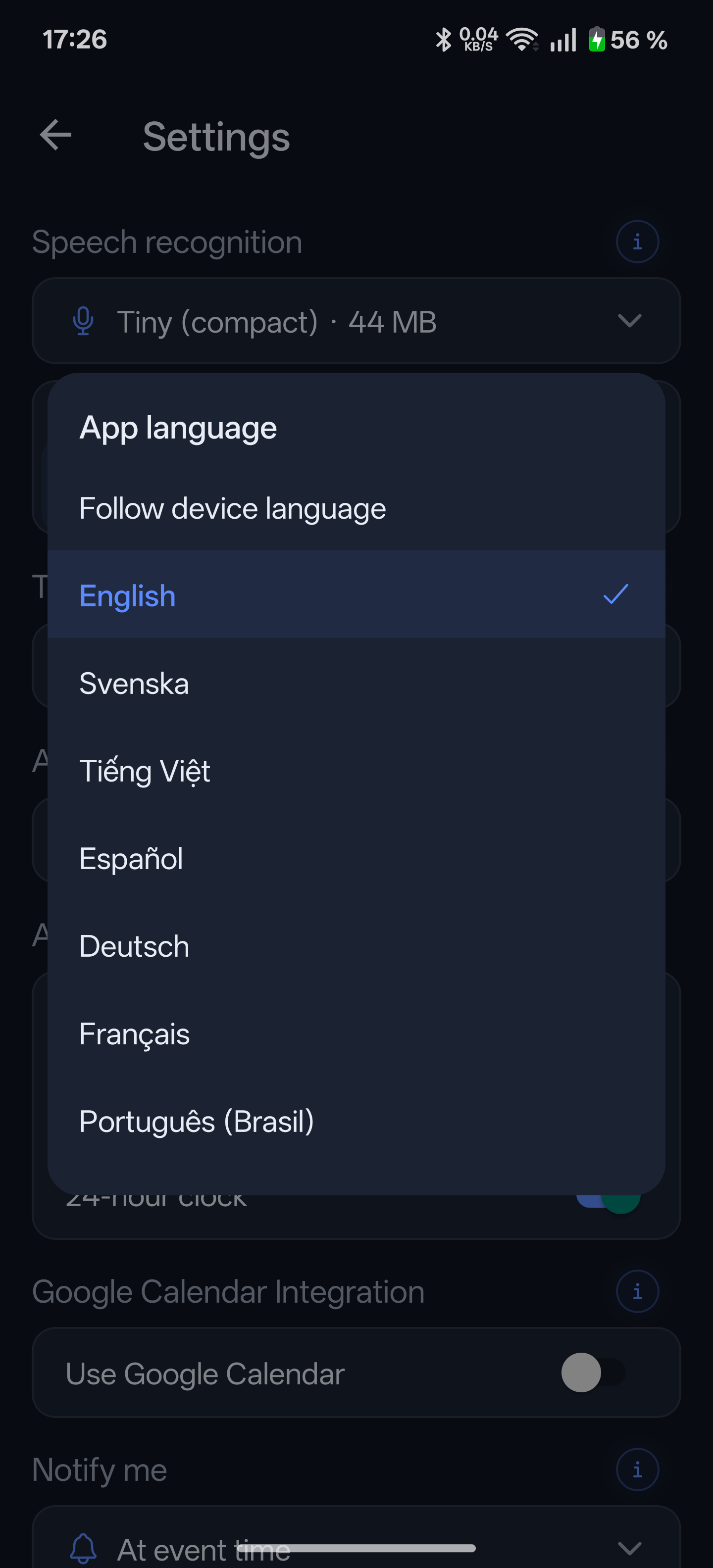
Settings with backup and restore
Your backup is a file you own. Export everything, move phones, import it back.
Google Calendar integration toggle
Google Calendar sync is there if you want it — and off by default.
A synced Google Calendar event with a link back to the recording
Synced events carry a link that opens the original recording in the app.
Why this one

Small app, deliberate choices

🎙️

Your voice is the safety net

Transcription got a word wrong? The recording is right there. “Buy the thing for the thing” makes sense again when you can hear yourself say it.

✈️

Works in airplane mode

Speech recognition runs on the phone, not on a server. No account, no cloud, no spinner between you and a saved thought.

🔔

Reminds you properly

A notification at the time you asked for, with your own words on it. Sync to Google Calendar instead if that's where your life lives.

🗓️

A calendar included

Month grid, a pinch-to-zoom day timeline, and a home-screen widget. Everything you record lands where you can see it.

📦

Your data is a file

One backup file holds your settings, reminders and the audio itself. Keep it wherever you keep files. Restore it on any phone.

💙

Pay once, that's it

No subscription, no ads, no analytics, no upsells. When the app gets better, the update is free.

Nothing leaves your phone unless you say so

Recordings and transcripts stay on the device. The two optional online features — transcribing with your own OpenAI key, and Google Calendar sync — talk directly to those services and never to us. There is no “us” server to talk to.

Read the privacy policy

Questions or ideas? onetapreminder@gmail.com